Guide — hidden source
Extract an SVG from a CSS background
A background-image SVG paints onto an element straight from the stylesheet. There's no image to right-click and no file sitting in the page. SVG Downloader reads the computed styles, resolves the reference, and saves the original vector.
The problem
Why background SVGs resist right-click
Plenty of decorative marks, patterns and icons are applied as CSS background-image rather than placed as an <img>. It's a common, tidy way to style a button or a hero. It also means the SVG is drawn by the stylesheet onto an element's background, and the browser doesn't treat that element as an image. Right-click it and there's no Save image as… — there's nothing the menu recognises as saveable.
Worse, the SVG can be hiding in two different shapes. It might be an inline data: URI stuffed directly into the CSS, URL-encoded and unreadable. Or it might be a url() pointing at a separate .svg file somewhere on the server. Chasing either through DevTools means reading computed styles by hand, decoding or fetching, and then repairing a file that won't open.
How SVG Downloader reads it
The extension does that legwork for you. It walks the page's computed styles, spots background-image declarations that carry an SVG, and resolves whichever form it finds — decoding a data: URI in place, or reading the file a url() points at. What it saves is the original markup, not a picture of it.
Step by step: background to file
- Install and open the popup. Add the free extension to Chrome, Edge or Brave, open the page, and click the toolbar icon. Everything happens locally.
- Let it read the computed styles. SVG Downloader inspects the page's styles and gathers the background SVGs alongside the inline,
<img>and same-document sprite sources it also detects. On pages over 10,000 elements this scan is skipped for speed, and the popup says so. - Preview and pick. Each background SVG shows in an isolated preview, off the busy page. Use Previous/Next to land on the one you want.
- Download the original vector. Click Download Current SVG. You get a real
.svgfile with itsviewBoxand paths intact and a missingxmlnsrepaired, ready for Figma, Illustrator or VS Code.
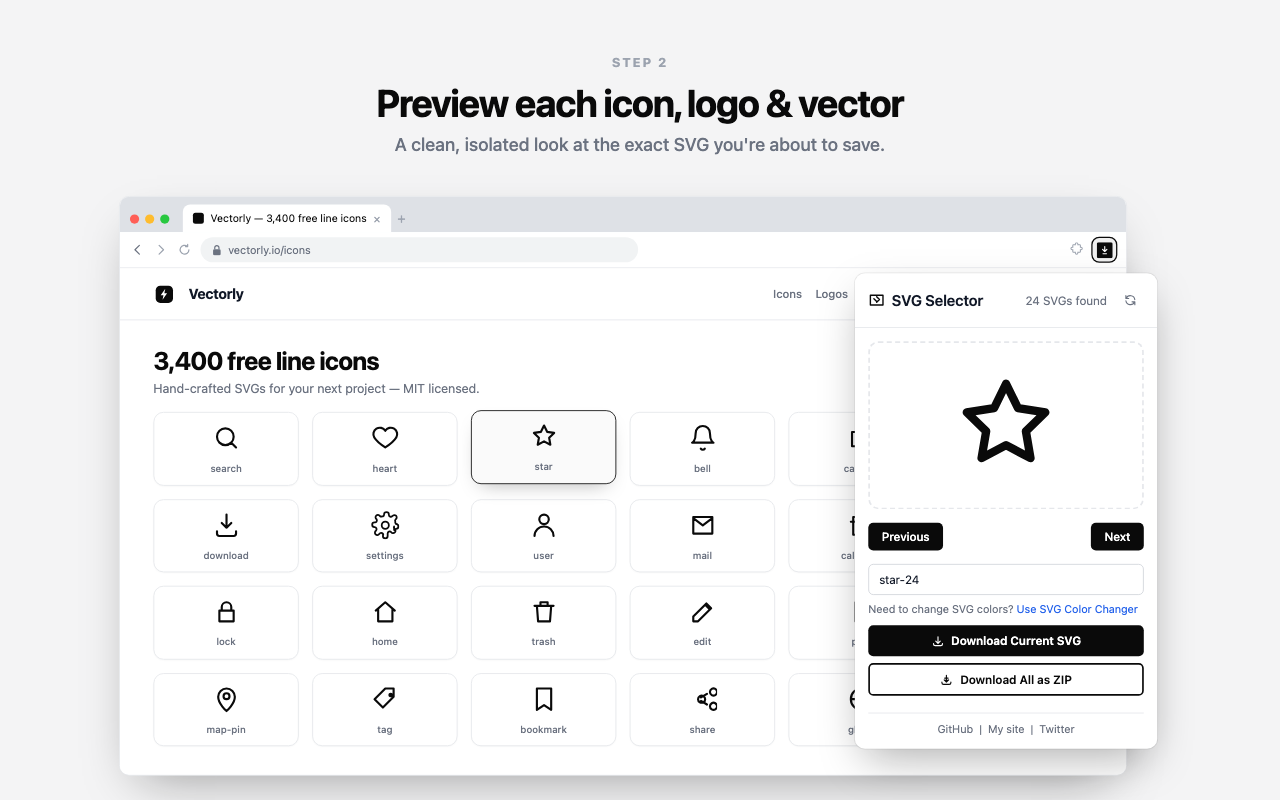
Download Current SVG.What you get back
- Both forms
- Inline data: URIs and
url()references to.svgfiles are resolved the same way. - Original markup
- The vector that styled the element — paths and
viewBoxpreserved, namespace repaired. Not a screenshot. - On device
- Reads computed styles in your browser. The SVG never leaves the page; nothing is uploaded.
- Also handles
- Inline SVG, sprite references and whole-page ZIP.
Good to know
Questions about CSS background SVGs
Why can't I right-click and save a CSS background SVG?
Because a CSS background is painted by the stylesheet, not placed as an image element. The browser only offers Save image as… for things it treats as images — an <img>, a canvas. A background-image lives in the computed style of an element, so there is nothing in the right-click menu to save.
Does it handle both data: URIs and url() references?
Yes. SVG Downloader resolves an inline background-image with a data: URI by decoding it, and a url() pointing at a .svg file by reading that file. Either way you get the original vector back.
Is the saved file the real SVG or a screenshot?
The real SVG. The extension saves the original markup — its paths and viewBox intact and the namespace repaired — not a rendered raster. It stays sharp at any size and stays editable.
Pull the mark out of the stylesheet
Free, private, and it reads the background SVG the browser won't hand over.